
More than 70 percent of smartphone users have experienced overheating at least once, according to a consumer electronics reliability survey published by Statista. Many people assume heat means the battery is dying or the phone is about to fail.
In reality, overheating often comes from smaller issues that build up slowly. Background apps, charging habits, or even the environment around the phone can push temperatures higher than expected.
A warm device during heavy use is normal. Modern processors generate heat when running games, streaming video, or processing photos. Trouble starts when the phone becomes consistently hot during simple tasks or while idle. At that point, it is worth taking a closer look.
This guide explains the most common overheating phone causes, the quick checks you can perform yourself, and the signs that suggest professional repair is the smarter move.
Why Phones Overheat in the First Place
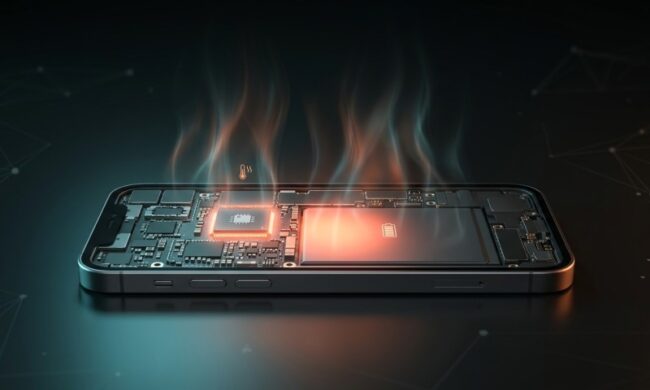
Smartphones combine powerful processors, batteries, sensors, cameras, and wireless radios inside a very small body. Heat is a natural byproduct of all that activity.
Manufacturers design internal cooling systems, but limited space means heat cannot dissipate as efficiently as in laptops or desktops. When several demanding processes run simultaneously, the temperature rises quickly.
The most frequent overheating phone causes include:
- Heavy processor usage from gaming, navigation apps, or video editing
- Charging while performing demanding tasks
- Poor ventilation when the phone is placed on soft surfaces
- High ambient temperatures such as direct sunlight
- Battery degradation over time
Heat also affects battery chemistry. Lithium ion batteries operate best between 0°C and 35°C, according to battery safety data from the U.S. Consumer Product Safety Commission. When a phone regularly exceeds that range, long term battery capacity can decline.
A single hot moment rarely causes permanent damage. Repeated overheating, however, can shorten battery life and affect internal components.
Quick Checks You Can Do at Home
Many overheating problems appear serious at first but have surprisingly simple solutions. Before assuming your device needs repair, a few quick checks can reveal the real cause.
One practical approach is to examine both software activity and physical factors around the phone.
Start with these simple checks:
- Restart the phone to stop background processes that may be stuck
- Check battery usage statistics to identify apps consuming excessive power
- Remove thick protective cases during heavy use or charging
- Close unused apps running in the background
- Turn off Bluetooth, GPS, or hotspot features when not needed
Sometimes heat appears because of multiple small factors combined rather than a single major issue.
For example, streaming video outdoors while charging with a thick case can easily push temperatures higher than normal. Removing just one of those factors often solves the problem.
Most phones automatically throttle processor speed when internal temperature rises above safe limits. This slows performance but helps prevent hardware damage.
Understanding these small signals helps determine whether the issue is temporary or something deeper.
Using Basic Tools to Inspect Your Device
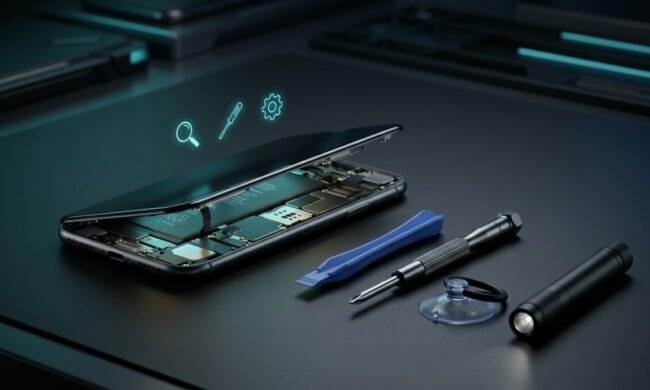
A simple visual inspection can reveal problems many people overlook. Dust inside ports, worn screws, or loose internal components may affect airflow and battery contact.
Basic maintenance tools can help users safely examine their device without causing damage. Many enthusiasts prefer using a mobile repair kit from specialized tool suppliers because these kits include small precision drivers, opening tools, and anti static tweezers designed specifically for smartphones.
With proper tools and careful handling, you can check several areas:
- Charging port for lint or debris that interferes with power flow
- Back panel for slight battery swelling
- Screws that may have loosened after drops or impacts
A quick inspection does not require full disassembly. Often, removing debris from the charging port or tightening a loose component can reduce heat buildup during charging.
Still, internal inspection should always be done carefully. If anything looks unusual, stopping early and seeking professional help is the safer option.
Apps and Software That Trigger Overheating
Software plays a surprisingly large role in overheating phone causes. Poorly optimized apps or background services can keep the processor active even when the screen is off.
Streaming apps, location services, and social media platforms frequently run background processes that drain power continuously.
Signs that software may be responsible include:
- Phone heats up during idle periods
- Battery drains unusually fast overnight
- Temperature rises shortly after installing a new app
The table below shows common app categories associated with higher heat output.
| App Category | Why It Causes Heat | Example Activities |
| Gaming apps | Heavy GPU processing | 3D graphics rendering |
| Navigation apps | Continuous GPS activity | Real time map updates |
| Video streaming | Processor and network use | HD playback |
| Social media apps | Background syncing | Notifications and uploads |
After identifying a suspicious app, try uninstalling it or checking for updates. Developers often release updates that fix energy consumption issues.
Keeping the operating system updated also helps because manufacturers frequently optimize thermal management through software updates.
Environmental Factors That Make Phones Run Hot
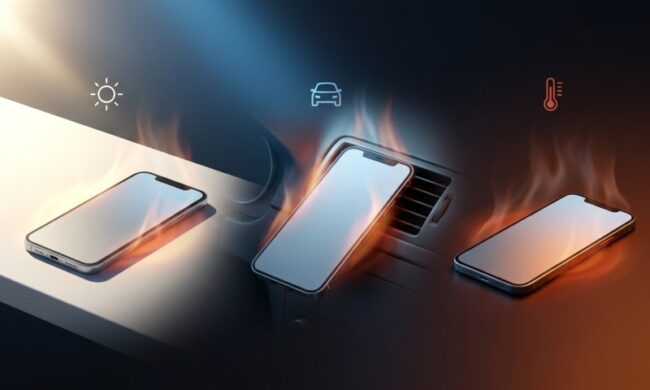
Phones rely on passive cooling, which means they depend heavily on surrounding air to release heat. Environmental conditions therefore play a major role.
Leaving a device in direct sunlight can quickly raise internal temperature beyond safe limits.
Other environmental overheating phone causes include:
- Using the phone in a parked car during summer
- Charging the device under a pillow or blanket
- Running navigation apps mounted against a windshield in sunlight
- Using the phone during intense outdoor heat
Some modern smartphones automatically display a warning when internal temperature exceeds around 45°C. At that point, many features temporarily shut down until the device cools.
These simple adjustments can prevent overheating:
- Move the phone out of direct sunlight
- Pause charging during heavy use
- Use lighter cases during warm weather
Small environmental changes often make a noticeable difference.
Signs That Hardware Problems May Be Developing
When overheating appears repeatedly even after adjusting apps and usage habits, hardware issues become more likely.
Batteries are the most common culprit. As lithium ion batteries age, internal resistance increases. That resistance generates additional heat during charging and discharging cycles.
Watch for warning signs such as:
- Battery percentage dropping suddenly
- Phone becoming hot during light tasks
- Slight swelling or pressure on the back panel
- Charging that feels unusually slow or inconsistent
Below is a quick reference for identifying possible hardware issues.
| Symptom | Possible Cause |
| Heat during idle | Background processes or battery degradation |
| Heat only while charging | Faulty cable, charger, or battery |
| Sudden overheating after drop | Internal component displacement |
| Heat plus screen flicker | Power management circuit issue |
Hardware problems rarely fix themselves. Ignoring them can increase the risk of battery damage or unexpected shutdowns.
When Repair Makes More Sense Than Troubleshooting
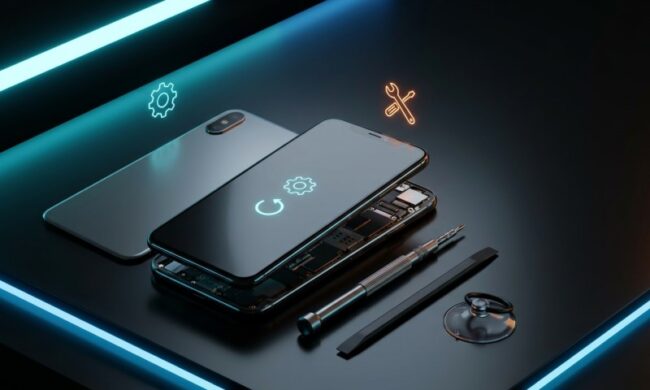
Some overheating phone causes simply cannot be solved through settings or cleaning. In those situations, repair becomes the logical next step.
Repair is usually recommended when:
- The battery is more than three years old and showing symptoms
- The phone overheats even after a factory reset
- Heat appears immediately when charging begins
- Physical damage occurred after a drop or water exposure
Professional technicians can run thermal diagnostics to pinpoint the exact component generating excess heat. They may replace the battery, repair charging circuits, or reseat internal connectors.
Attempting complex repairs without proper tools can worsen the problem. A swollen battery, for example, requires careful handling to avoid puncture.
In many cases, replacing a battery costs far less than replacing the entire device.
Final Thoughts
Most people encounter overheating at some point during the life of a smartphone. The good news is that many overheating phone causes come from usage patterns, software behavior, or environmental conditions rather than serious hardware damage.
Simple checks like reviewing battery usage, removing debris from the charging port, or adjusting charging habits often solve the problem quickly.
When overheating continues despite those steps, the issue may involve battery wear or internal hardware components. In those situations, professional repair usually offers a safe and cost effective solution.