
The best part of a song idea might be buried in the last five seconds of a phone recording. There’s a little pause before the melody rises, a lyric you only sang once, or a note you held longer than you meant to. When you sit down to make a song demo, that detail is easy to lose. You remember the general mood and start adding instruments before working out what made you save the recording in the first place.
A good first demo helps you hear the idea in context. Start by deciding what to keep from the voice memo, then use a simple arrangement to test what the song could become.
Find the Phrase Worth Building Around

Listen through the memo once without stopping. Then go back and mark the moment you want to hear again. A voice memo may contain several starts, a lyric you abandoned halfway through, and one strong phrase. You only need one of those ideas to begin.
Imagine a 17-second recording of a song called Porch Light. The singer hums a descending melody, pauses, then sings, “Leave the porch light on till morning.” The first few seconds are mostly searching for the right notes. The useful part is the pause before “leave” and the way the melody comes to rest on “morning.”
Write those observations down in plain language. You don’t need to name the notes. “Starts low, pauses, then holds the last word” is enough to guide the next recording. Save a copy of the original memo before trimming it. An intake of breath or a quiet hum leading into the phrase might turn out to be part of its timing.
Decide What the Arrangement Needs to Do
Sing the phrase twice: once as quietly as you did on the memo and once as if it were the chorus. If the louder take makes the line feel too emphatic, keep the delivery close and let a small change in the accompaniment mark the chorus instead.
For Porch Light, try soft electric piano under the verse, then bring in bass after the first chorus line. That gives “Leave the porch light on till morning” a moment to land. You can test the same idea with guitar if the piano feels too polished. At this stage, choose instruments by what they leave room for. A busy piano part might sound appealing alone and still get in the way of the pause you wanted to keep.
If you have a few lines but no full verse, write just enough to set up the hook. What happened immediately before the singer asked someone to leave the light on? One concrete detail, such as a missed call on the way home, gives the chorus something to answer.
Turn Your Recording Notes Into a Text-to-Music Prompt
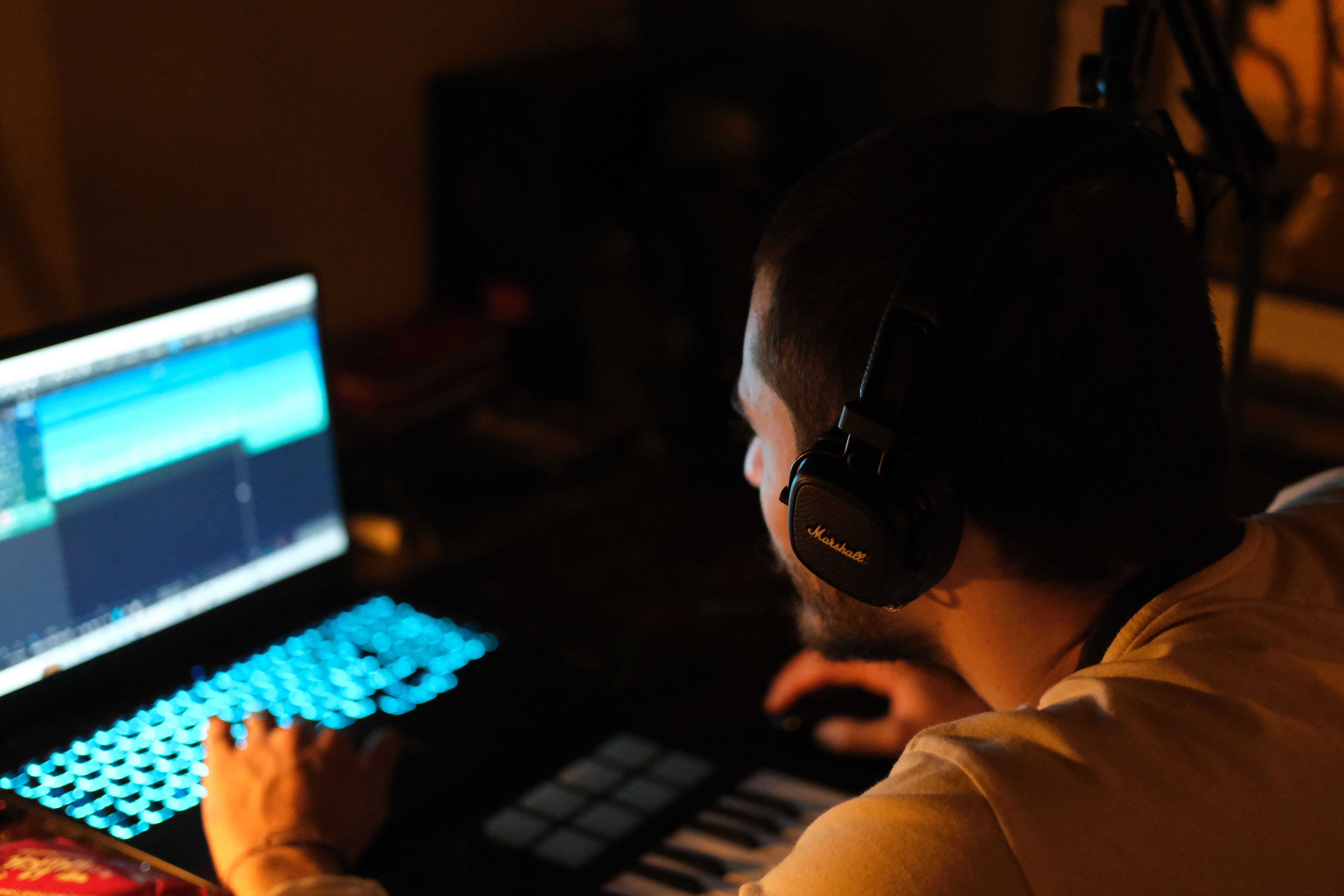
When you want to hear an arrangement before recording it yourself, use BeMusic AI to generate a song demo from a written description. Put the sound you want in the music description field. If you want to test your own words, enter them in the lyrics field and mark where the verse and chorus begin. Choose a vocal version so you can hear how the arrangement leaves space for the line.
For Porch Light, try a prompt like this:
Intimate indie folk with a relaxed pulse and a close, understated vocal. Use soft electric piano in the verse. Leave a brief pause before the first chorus line, then bring in bass after the line ends. Keep the drums light so the lyric stays easy to hear.
Generate one version first. If you like the pacing but the piano feels too formal, change the instrument to fingerpicked guitar and keep the rest of the description. Listen for what that change suggests for your own recording. The two outputs may also differ in melody or phrasing, so treat them as arrangement sketches.
In this workflow, the voice memo stays your reference and the generator works from your text. The prompt can describe a pause or a rising phrase, but the resulting vocal may use a different tune.
Bring Your Original Melody Back Into the Demo

Play the strongest section of the generated sketch, then immediately play the voice memo. Pick one thing to borrow from the arrangement. For example, you may like how the bass arrives late while preferring the way you sang “morning” on your phone.
Record your phrase again over a simple chord progression in an audio editor, using the memo as a guide. If you don’t have a finished backing track, one instrument is enough to test whether the phrasing still works. Give yourself a count-in and record two or three takes without trying to copy the timing of the generated vocal. Compare where you breathe and how long you hold the last note.
If the phrase sounds comfortable but the accompaniment feels cramped, simplify the part beneath it. Try leaving the chord unchanged until the singer finishes the line. If the higher notes feel strained in every take, try a lower key before rewriting the melody.
Save a Demo You Can Pick Up Again
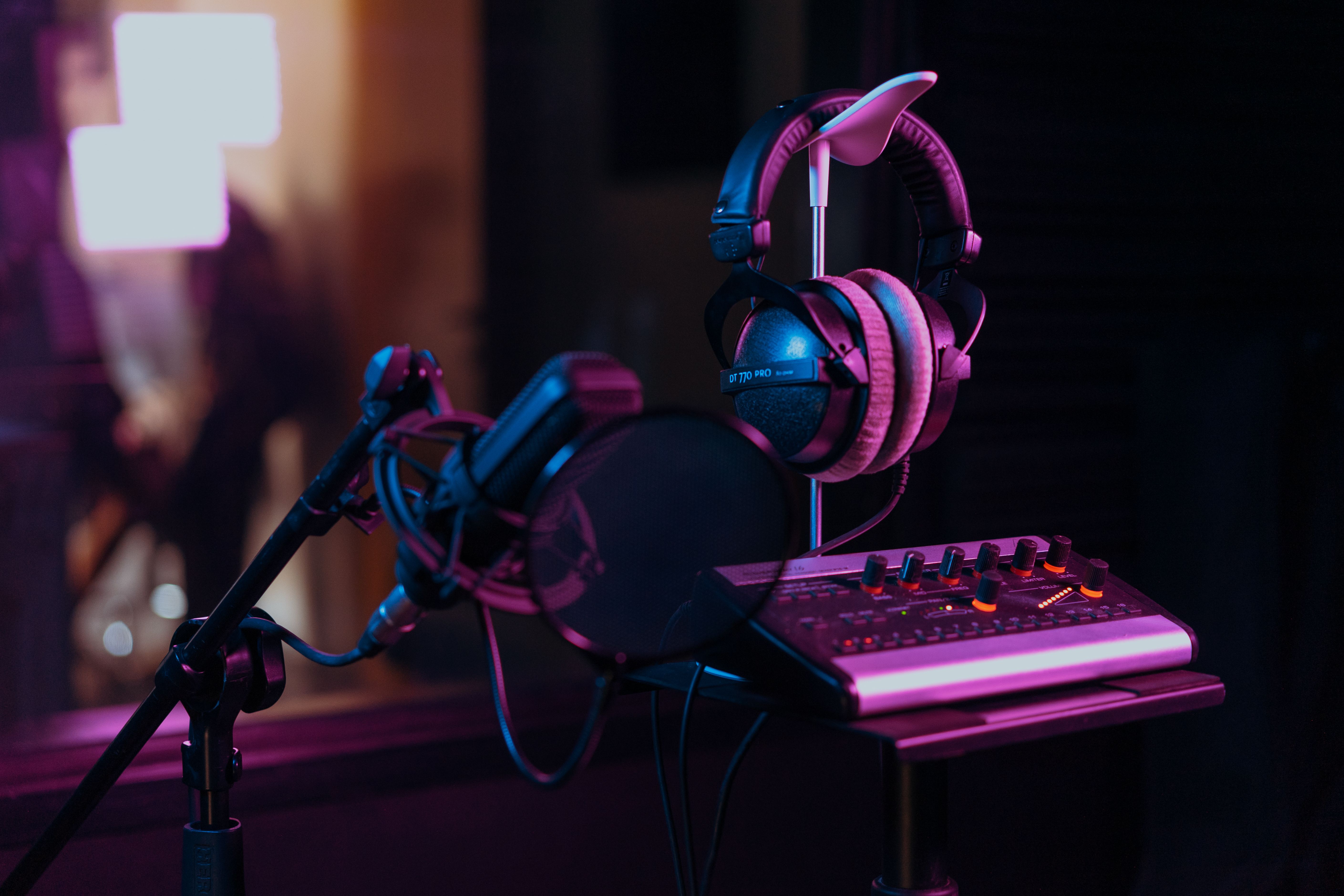
Export a rough mix and keep it with the original memo and a short note about your decisions. For this example, the note could read: “Keep the original pause before the chorus. Try guitar instead of piano. Bass enters after ‘morning.’”
When you return to the song, that note tells you what to try next. If you send the demo to a producer or collaborator, include the original memo as well. Hearing the two recordings makes it easier to understand which part of the performance you want to preserve.
Frequently Asked Questions
Can an AI music generator recreate the melody from my voice memo?
A text prompt can describe the melody’s general movement or phrasing, but it doesn’t guarantee the same notes. If the tune matters, keep the memo as a reference and record that melody yourself.
How much of the song do I need before making a demo?
One memorable phrase and enough of a verse to lead into it are sufficient for a first pass. You can test the arrangement around that section before writing a second verse or a bridge.