
The drums fall away, but the song has not become empty. A singer lets the final syllable of a phrase hang in the room.
This might be the least useful moment for a visualizer to introduce a spinning object, a new location or an elaborate camera move.
The sound is asking for closer listening just as the image begins asking to be decoded.
Using an AI Video Generator for music visuals does not require every second to move equally. MakeShot can provide generated footage for an edit; deciding where that footage should yield to the song is a separate creative task.
The following exercise uses one imagined musical passage to explore when stillness, sustained movement and a change of image each earn their place.
Listen for What Deserves the Foreground First

Work with a recording you own or have permission to use for the intended project. Listen without an image before opening a visual timeline.
Instead of counting every beat, notice what you would miss if your attention wandered: a word, the decay after a note, a change in texture or the return of a familiar phrase.
For this proposed exercise, imagine an exposed vocal ending followed by a held instrumental tone, then a fuller pulse.
The vocal tail needs room to remain audible as an expressive detail. The instrumental span might accommodate a slow visual change.
The returning pulse might justify a more noticeable movement, but it does not automatically demand a cut.
Keep volume and musical attention separate. A quiet passage can contain the most fragile detail in the track.
A loud, sustained section may be easier to follow while the eye explores something else. Treat that distinction as an editing question for this song, not a rule that soft music needs still images and loud music needs action.
Choose one short passage where the decision is uncertain. In a separate editor, place a listening note near the detail you want to protect, such as the end of the vocal phrase.
That note is a reminder of intention, not a signal that a visual event must happen at precisely the same point.
Ask for Movement That Leaves Something Alone
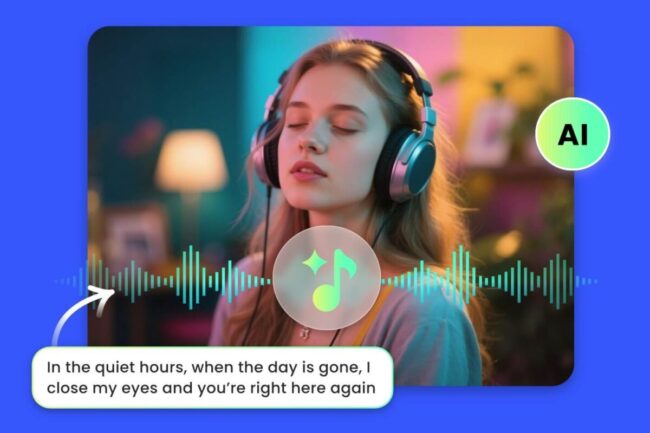
Give the visual a modest job. For the imagined passage, use a plain wall crossed by a soft window shadow.
A slight change in the shadow can create movement without adding a character, a plot or a new object to interpret. Keep the composition stable enough that a held image would still make sense.
MakeShot accepts a written prompt for video generation. Describe the one change you want and the elements that should stay quiet: “A fixed view of a pale wall with one soft window shadow.
The shadow drifts slightly across the surface. Keep the camera still, the light gentle and the composition uncluttered.
No people, writing, sudden reveals or scene changes.” This is an original proposed prompt, not a report of a tested result.
Do not ask the prompt to solve the musical timing. The shadow may begin moving before the phrase has finished, accelerate halfway across the wall or acquire a bright edge that becomes the main event.
Those details need to be judged against the recording, not against a general request for a calm or cinematic image.
When a candidate from an AI Video Generator arrives, look for a usable span rather than assuming the whole clip belongs in the song.
A quiet middle portion may be more helpful than an opening flourish. If nothing provides the restraint you need, a still image remains an available creative choice.
Prepare a Still Baseline Beside the Moving Cut

Bring the footage into a separate video editor alongside the permitted recording. Keep the song as the soundtrack for this exercise.
If the generated clip includes sound, mute that clip’s audio so an added ambience or effect does not change what you are judging.
This is an external editing choice, not a claim that MakeShot synchronizes footage to a song.
Make a second version of the same passage with one clean frame held throughout. Use the same soundtrack, playback level and passage boundaries. The held version gives you something concrete to compare with motion.
Without it, removing an effect can feel like leaving a hole simply because you have become used to seeing activity there.
In the moving version, try leaving the image still through the exposed vocal ending and allowing the drift during the sustained instrumental span.
There is no obligation to start movement on a beat. Try entering slightly later, after the vocal detail has settled, and listen to the phrase as a whole.
A change from a held frame to movement can itself become conspicuous. If the restart feels like a sudden mechanical release, shorten the held portion, choose a quieter part of the clip or keep the entire passage still.
Listen for whether the change lets you follow the musical transition or makes you wait for the picture to catch up.
Remove the Moment That Pulls You Away
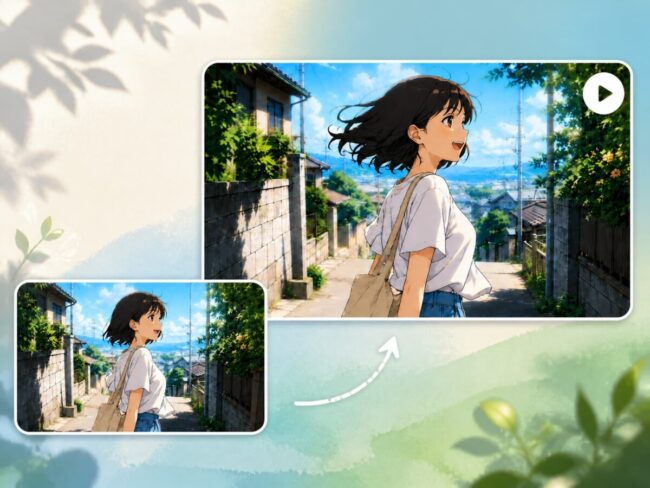
Watch both versions with the song playing. After each, ask what drew your attention. If you followed the shadow’s edge and lost the end of the vocal phrase, locate the visual event that pulled you away. A sudden contrast change may be the problem even when the camera never moves.
If both versions interrupt your listening, motion may not be the cause. The composition itself could be too insistent: an unusually dark shape might invite you to work out what it represents.
Try a less demanding image before adjusting the timing again. A held frame is a useful comparison, but it is not automatically a restful one.
Change that event rather than making the whole video vaguely slower. Delay the bright patch, choose a quieter span or hold the image through the phrase.
Then play enough of the preceding section to hear the arrival again. Starting directly at the edit can conceal the anticipation created by the music before it.
After several repetitions, take a break or start elsewhere in the song. Familiarity can make a previously conspicuous edit easy to overlook.
When returning to the passage, resist watching only the spot you have just changed; the surrounding phrase is still the reason for the change.
Another listener can help describe what they noticed, but one informal viewing does not establish an audience result.
Ask about the song as well as the picture, and allow them to prefer the still version. MakeShot’s footage has no obligation to remain in the edit just because it took effort to produce.
Let One Musical Detail Survive the Edit
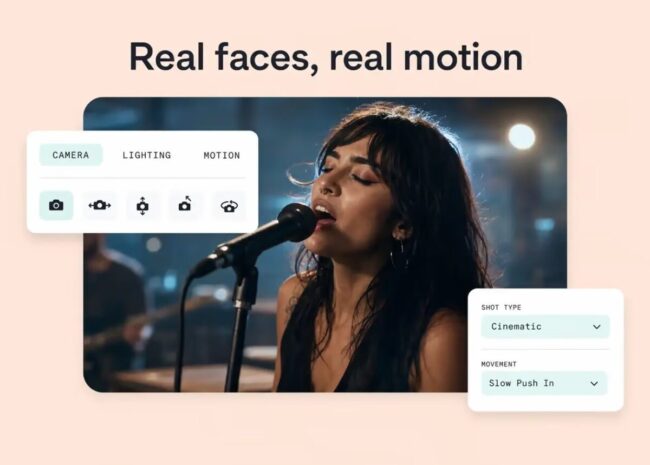
Return to the sound you wanted to protect: in this example, the vocal phrase that continues after the drums have stopped.
Choose the version that lets that detail hold its place. Movement can wait for a different passage, or remain absent if the held composition already supports the listening experience.
The finished choice does not need to advertise how much visual work went into it. A small drift after a phrase can be enough; so can an image that stays still while the recording changes.
Before adding another event, listen once more without watching, then return to the picture. Keep the motion only if it gives something worth the attention it asks the song to share.