
Finishing a song feels like the finish line.
Then release week arrives.
Suddenly, the track needs cover art, teaser clips, a vertical video, a YouTube visualizer, behind-the-scenes posts, and enough extra content to keep the release alive after day one.
For an independent artist, that can feel like producing a second project before the first one has even reached listeners.
This is where AI video becomes genuinely useful. Not because it can replace a director or magically create a fanbase, but because it gives artists a faster way to test visual ideas and turn one strong concept into several release assets.
The trick is to start with the music, not the technology.
Find the Visual DNA of the Track
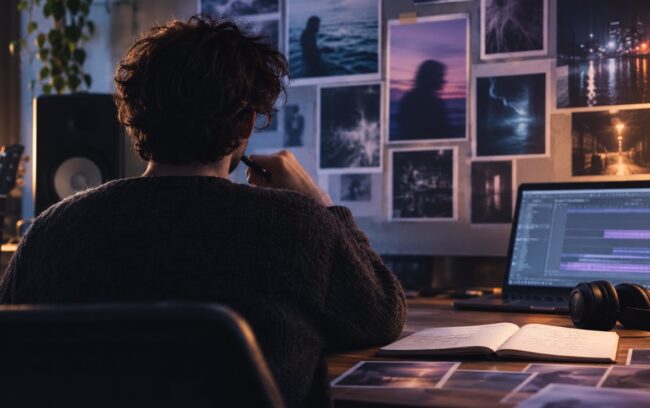
Before generating a single frame, listen to the song without thinking about platforms or algorithms.
What does the track actually feel like?
Write down five things:
- The main emotion
- The strongest lyrical image
- The moment where the energy changes
- The world or setting the song suggests
- The one visual detail listeners should remember
These notes become the visual DNA of the campaign.
A late-night electronic track might suggest shifting neon and controlled camera movement. An intimate acoustic song may need natural light and empty space. A heavy track could call for aggressive motion and sharp contrast.
Do not begin with “I want an AI-looking video.” That is not a creative direction.
Begin with the emotional experience the visuals need to support.
Build a Reference Pack Before Writing Prompts
Text prompts are useful, but music videos depend on details that are often easier to show than explain.
A focused reference pack might include:
- Artist photos or character images
- Cover artwork and color references
- A location or environment
- A short clip showing camera movement
- Performance footage or choreography
- The mastered song or a selected section
- A simple storyboard
Seedance 2.0 works with text, images, video, and audio references in the same generation process.
That multimodal approach matters for musicians because the visual identity, motion, and sound do not have to be communicated through one enormous prompt.
An artist photo can establish appearance, a rehearsal clip can guide movement, cover artwork can define the palette, and audio can provide timing.
Keep the pack focused. Each reference should answer a specific question about identity, style, motion, setting, or rhythm.
Start With the Hook, Not the Full Song
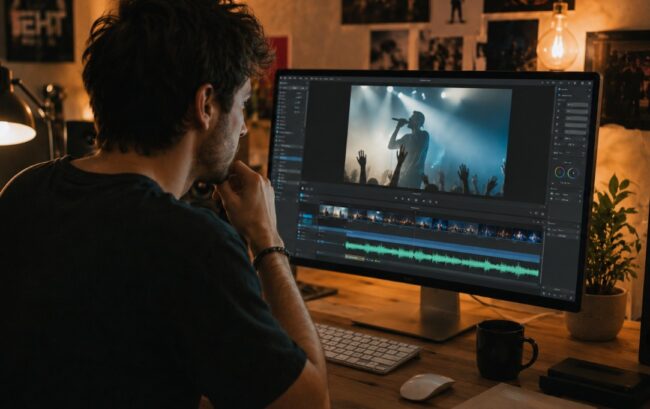
Trying to create a complete music video immediately is one of the fastest ways to waste time and generation credits.
Start with the most important 10 to 20 seconds.
This might be:
- The first lyric that introduces the story
- The pre-chorus where tension builds
- The chorus hook
- The drop
- A memorable instrumental break
Create one visual idea around that section and test whether it matches the track.
Does the movement feel too fast? Does the scene support the lyrics or compete with them? Does the visual hook arrive at the right moment?
Seedance 2.0 can use references, motion, and audio cues to test a performance or narrative moment against the music.
Once the central visual idea works, it can become the foundation for the rest of the campaign.
Think in Musical Sections
A song already has structure. Use it.
Instead of treating the video as one long prompt, map visual changes to the arrangement.
The intro can use restraint and establish the visual world. The verse can introduce the artist, character, or narrative. The pre-chorus can increase movement or contrast, while the chorus delivers the campaign’s most recognizable image.
The bridge can break the established pattern through a new environment, color, or perspective. The final chorus can return to the strongest motif with enough variation to feel earned.
This structure makes prompts easier to manage and gives editing decisions a relationship to the music.
Keep the Artist Recognizable Across Scenes
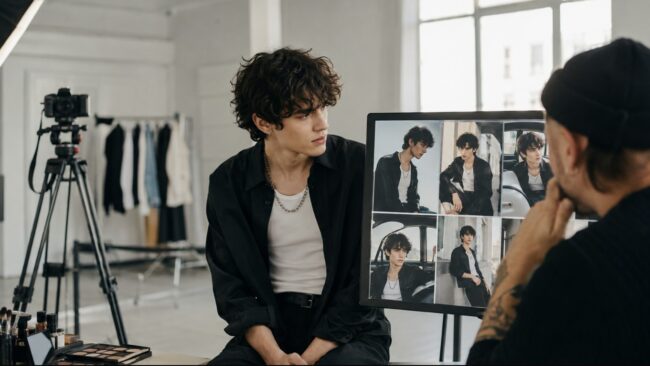
An AI-generated shot can look stunning and still fail as an artist campaign.
If the face, clothing, hair, or styling changes every few seconds, the video loses identity.
Use clear reference images from several angles. Keep the main costume and styling consistent unless the change is intentional.
During review, check:
- Facial features
- Hair and styling
- Clothing
- Hands
- Accessories
- Body proportions
Do this before getting distracted by lighting or visual effects.
Consistency matters even when the video is abstract. The YouTube video, teaser, streaming loop, and social clips do not need to be identical, but they should feel like parts of the same era.
A reusable set of approved identity and style references makes that easier.
Let Rhythm Control the Camera
Random movement does not become musical just because a song is playing underneath it.
Look for specific rhythmic signals:
- A kick can motivate a cut or physical impact.
- A snare can mark a lighting change.
- A bass movement can guide a slow camera push.
- A vocal pause can create visual stillness.
- A drop can trigger a major reveal.
Not every beat needs a cut. Over-synchronizing can feel mechanical.
The strongest sequences often move between alignment and contrast, and the artist or editor should still shape the final timing. Musical instinct matters more than automatic beat matching.
Use Seedance 2.5 for Longer Performance and Narrative Moments
Short clips are perfect for hooks, but a full music video needs continuity.
Characters, environments, lighting, and motion have to survive beyond one attractive shot.
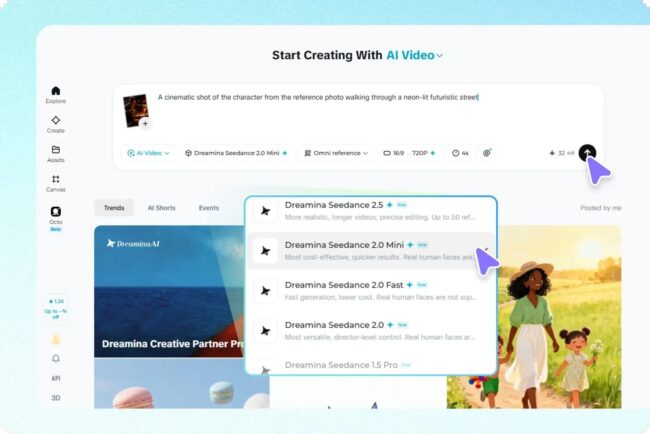
Seedance 2.5 extends the workflow with continuous generation of up to 30 seconds, support for as many as 50 multimodal references, and more precise editing controls.
For musicians, that larger creative context can include:
- The song
- Lyrics
- Artist references
- Cover artwork
- Storyboards
- Rehearsal footage
- Styling guides
- Location ideas
Seedance 2.5 also supports reference-to-video control. An artist can record a simple performance or green-screen take and use it to guide body movement, position, and interaction inside a generated environment.
That creates a practical middle ground between fully invented motion and a traditional location shoot.
The performance still comes from the artist. AI changes how it is presented.
Fix the Weak Detail Without Losing the Strong Take
One of the most frustrating parts of generative video is getting a shot that is almost right.
The camera works. The movement fits the chorus. The lighting feels perfect. Then one object changes shape or part of the outfit looks wrong.
Regenerating everything can solve that detail while destroying the elements that made the shot worth keeping.
The local editing workflow in Seedance 2.5 is designed to correct selected areas while preserving the surrounding composition, motion, audio, and timeline.
That targeted revision is valuable because musical timing is difficult to recreate.
Always watch the edited region through the full clip, since a correction that works in one frame may drift in motion.
Turn One Hero Video Into a Release System
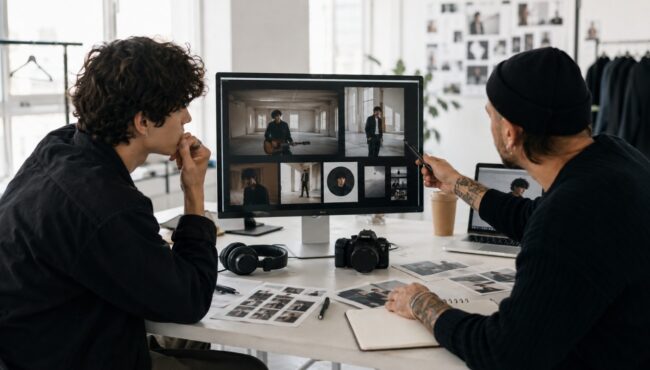
Independent artists rarely need only one video. They need a release system.
Once the main visual direction is approved, it can become:
- A full YouTube music video or visualizer
- A 15-second chorus teaser
- A vertical performance clip
- A looping background for streaming and social platforms
- A release-day post
- A lyric-focused edit
- A behind-the-scenes comparison showing the references and result
- A second-wave clip for the week after release
Do not simply crop the same scene everywhere.
Adjust composition, pacing, and text placement for each platform. A vertical feed needs an immediate focal point, while a YouTube video can build more slowly.
For artists who want to keep visual development, video generation, and refinement in one connected workspace, Dreamina can be considered as part of this campaign process.
Protect the Rights Behind the Visuals
Fast production does not erase creative responsibility.
Use reference images, footage, voices, and performances that you own or have permission to use. Do not imitate a living artist’s face, voice, or distinctive work in a way that could confuse viewers.
If synthetic footage could be mistaken for a real event or documentary scene, label it appropriately.
Keep records of source materials, licenses, and collaborator agreements. If a performer provides an R2V reference, the permitted uses should be clear.
AI may shorten production, but it should not shorten the conversation about consent and credit.
The Song Still Has to Lead
AI video can give independent musicians access to visual possibilities that once required a much larger budget.
It can help test concepts, create cinematic scenes, and build enough release content to support a track beyond launch day.
But the strongest visual campaign is not the one with the most effects. It is the one that makes the song easier to remember.
Start with the emotion. Build a focused reference pack. Test the hook. Use the arrangement as the structure. Keep the artist recognizable. Then adapt the strongest idea across the release.
The technology can generate frames. The musician still decides what belongs to the song.