
Subtitles have become necessary for modern video content. People want clear captions, quiet movies, and fast scrolling. This is where AI subtitle generators helps. Speech-to-text in seconds saves hours of laborious work. Creating subtitles used to be a time-consuming process. However, AI can now recognize voice, sync text, and style captions. Content becomes more accessible and interesting for worldwide audiences.
This article covers the best auto caption generator. You will discover how they work, compare features, and choose the ideal tool. A good subtitle tool may boost YouTube and social media video quality quickly.
Part 1. Stop Typing Captions: Why You Need AI Subtitle Generators?
Adding subtitles manually certainly demands both focus and a bit of time. AI subtitle creators free us from such a burden.
They utilize advanced speech recognition to transcribe speech to text in only a few minutes. Subtitles remain a primary necessity as people, especially on social media, tend to watch videos silently.
Captions, thus, become necessary as studies reveal that more than 80% of mobile video consumption happens with sound off.
Apart from this, they also serve as a tool to make content more accessible to 5% of the world’s population with hearing impairments.
Besides accessibility, subtitles improve SEO. Captions boost video rankings and viewership because search engines can read them.
Longer audience engagement increases watch time by up to 80%. In summary, AI subtitle producers save time, increase global audience, boost interaction, and make content more professional with less effort.
Part 2. Top 6 AI Subtitle Generators You Need for Your Videos
Choose an AI subtitle generator based on your demands. While some tools stress accuracy, others emphasize speed, customisation, or language support. A complete list of 2026’s top tools follows.
-
Wondershare Filmora (Top)
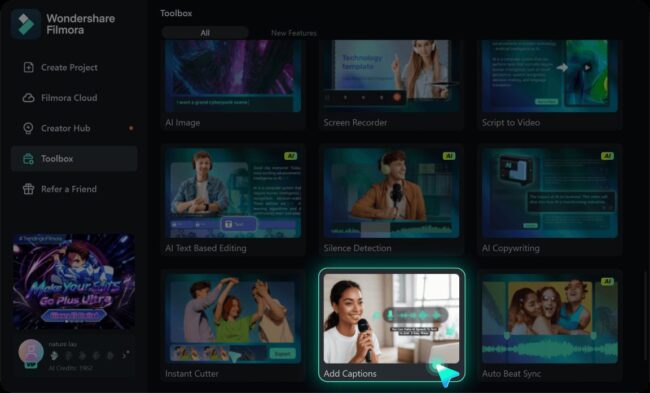
Wondershare Filmora is 2026’s most comprehensive video editing software with AI subtitle generator.
Up to 99% accuracy from Filmora’s AI Speech-to-Text technology reduces manual corrections.
Great for worldwide designers, it supports 45 languages, including English, Spanish, Arabic, and Hindi.
Automatic subtitle translation into 23 languages makes it even more powerful, allowing users to easily create multilingual content.
Visual presentation is another tool priority. Users can create interesting brand-appropriate captions with 68 animated subtitle templates. Filmora provides precise text, color, timing, and positioning manipulation, unlike basic tools.
Key Features:
- Edit subtitles live on timeline
- Export SRT subtitles.
- Works on mobile and desktop.
- One-stop video editor
-
VEED.io
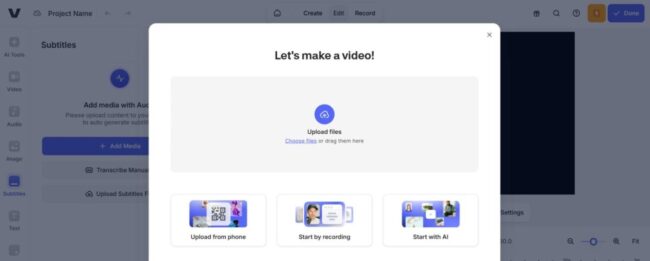
VEED.io is a fast and easy online subtitle generator. It operates fully in your browser, making it ideal for non-installers. The platform is one of the most accurate online tools at 99.9%.
Users can export subtitles in SRT, VTT, and TXT once it generates them in minutes. Visual engagement is another VEED goal.
Key words are animated with pulsing, bouncing, or fading in its dynamic subtitle function. This is great for social media content that has to draw attention.
Key Features:
- In-built Brand Kit for consistency
- Subtitle translation for global reach
- Browser-based (no installation)
- Built-in video editor
-
Kapwing
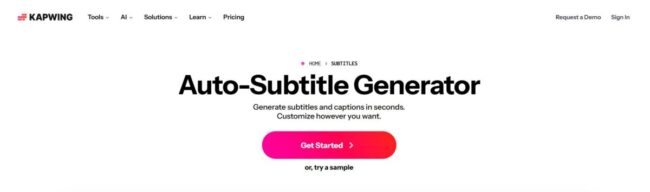
Kapwing, a cloud-based subtitle generator, is flexible and collaborative. The technology generates subtitles with 99% accuracy and little adjustment. It generates word-by-word captions and an editable transcript for quick content editing.
Kapwing excels at personalization. It has 100+ subtitle styles and advanced editing capabilities like font uploads, color tweaks, shadows, and animations.
Different styles can be applied to multiple speakers in a video. Kapwing is also globally successful.
It is one of the most adaptable tools for international content creation, supporting subtitle translation in 100+ languages.
Key Features:
- 180+ AI voice options
- Word-by-word subtitlemaker
- Cloud-based team collaboration tools
- Built-in Brand Kit and templates
-
Otter.ai
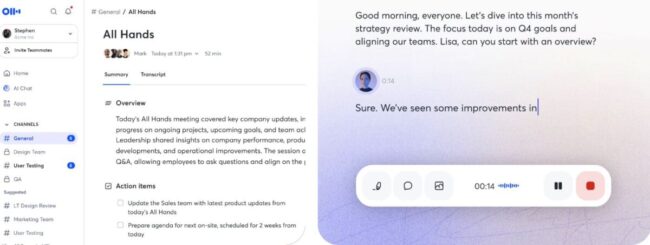
Otter.ai is a transcription and meeting assistant driven by artificial intelligence, that focuses on increasing productivity.
Additionally, it renders subtitles. The system carries out speech-to-text conversion live and autonomously derives summaries, action points and insights.
Otter facility of transcribing live with speaker recognition is especially effective for meetings, interviews and webinars. It also integrates with Zoom, Slack and Google Docs thereby enabling conversations to be searched.
Key Features:
- Saving 4+ hours each week through automation
- Increases team output by 33%
- A live transcription using speaker recognition
- Business plan: 6000 monthly transcription minutes
- AI-generated summaries and tasks
-
Clipchamp
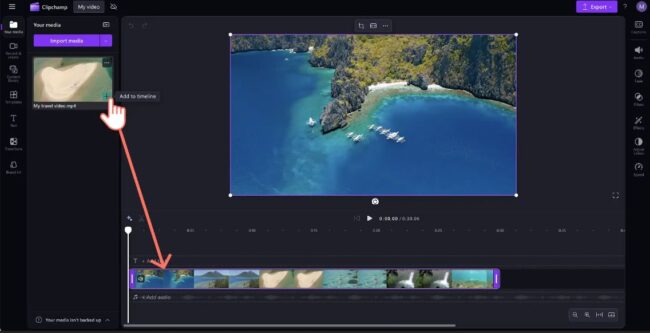
Clipchamp’s video editing software has a simple but effective AI subtitle generator. Accessibility and simplicity make it ideal for novices and content providers.
The tool automatically generates multilingual subtitles and lets users choose fonts, colors, and styles.
Acoustic enhancements like noise reduction and volume boost improve subtitle accuracy in Clipchamp. Exporting subtitle files like.SRT makes cross-platform captioning easier.
Key Features:
- Auto-subtitles in many languages
- Export SRT captions.
- Built-in noise-reduction and volume boost
- Custom fonts, colors, alignment for subtitles
- Clean caption profanity filter
-
Maestra
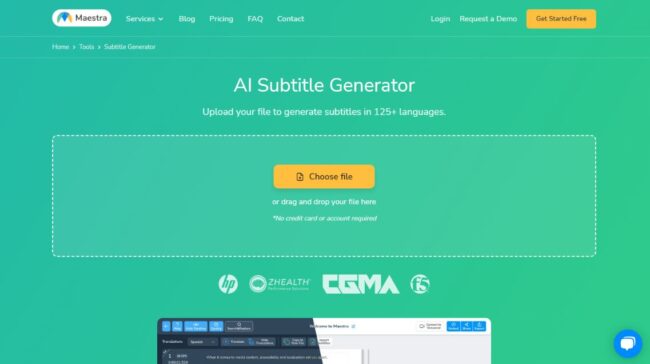
Maestra is an advanced AI subtitle and translation tool for content creators and businesses all over the world.
The tool is among the most versatile ones as it can create and translate subtitles in more than 125 languages.
Maestra can handle a large number of multilingual video content with API access at the enterprise level, team collaboration, and real-time processing. Its single-platform subtitle, translation, and dubbing features are unmatched even by the top ones.
Key Features:
- Over 125 languages for subtitles and translation
- Live and on-demand transcription
- Voice cloning and AI dubbing
- YouTube, TikTok, Zoom, Slac integrations
Part 3. Quick Comparison Table for Auto Caption Generators
Choosing the right AI subtitle generator depends on your needs—accuracy, language support, editing tools, or collaboration features. Here’s a quick comparison of the top tools:
| Tool | Accuracy | Language Support | Key Strength | Free Plan | Best For |
|---|---|---|---|---|---|
| Filmora | Up to 99% | 45+ (23 translation) | All-in-one editor + subtitles | Limited | Creators & professionals |
| VEED.io | Up to 99.9% | Multiple | Online editing + styling | Yes | Social media creators |
| Kapwing | ~99% | 100+ | Customization & branding | Yes | Teams & marketers |
| Otter.ai | High | Multiple | Meeting transcription | Yes | Business & meetings |
| Clipchamp | High | Multiple | Simple editing + captions | Yes | Beginners |
| Maestra | High | 125+ | Translation + dubbing | Yes | Global content creators |
Each tool has its strengths. Filmora leads in editing, while Maestra dominates in language support, and Otter excels in business workflows.
Part 4. Why Filmora is the “Editor’s Choice”?
Wondershare Filmora is a “Editor’s Choice” because it extends beyond subtitle generation. It offers 99% accurate AI transcription, 45+ language support, and 23-language translation. This makes it suited for local and worldwide content.
The mix between automation and control distinguishes Filmora. The AI generates subtitles instantly, but users may precisely adjust timing, text, and style. Many tools lack 68 animated caption templates, which offer creativity.
Filmora is a full video editor, unlike browser-based programs. You can change images, music, and effects without switching platforms. It saves time and streamlines workflow.
Filmora is the best option for those who desire precision, versatility, and professional outcomes.
Conclusion
AI subtitle generators have changed video creation and sharing. They save time, improve accessibility, and globalize content. There is a tool for every purpose, from simple captions to multilingual localization.
Filmora is the greatest option because it offers accuracy, creative control, and full video editing. VEED.io, Kapwing, and Maestra are good possibilities based on your goals. Pick a tool that fits your workflow. A good subtitle generator may make your videos more entertaining, professional, and accessible.